 Nigeria's Complete Tech Marketplace
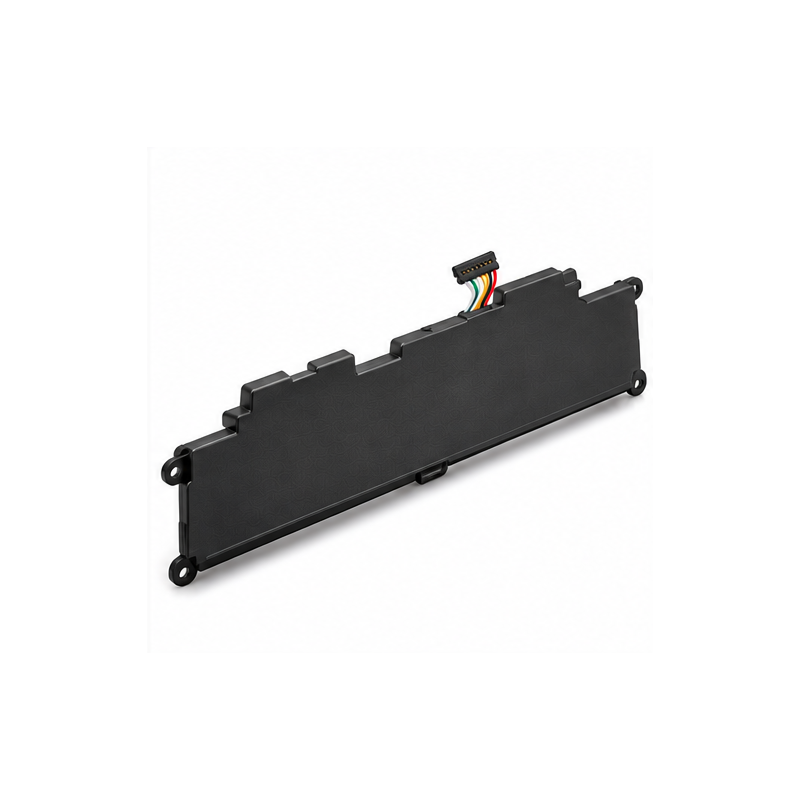
Product Details
Lenovo ThinkPad Yoga 260 Original Replacement Laptop Battery – 00HW027 / 00HW026
Restore Your Lenovo ThinkPad's Portable Power
Bring your Lenovo ThinkPad Yoga 260 back to convenient portable operation with the 00HW027 / 00HW026 internal replacement laptop battery.
If your laptop battery drains unusually quickly, struggles to hold charge or causes the laptop to shut down unexpectedly when unplugged, replacing a deteriorated battery may help restore normal battery-powered operation.
This battery is designed for compatible Lenovo ThinkPad Yoga 260 laptops used for school, office work, business administration, presentations and everyday computing.
44Wh Rechargeable Lithium Battery
The original ThinkPad Yoga 260 battery features a nominal voltage of 15.2V, an energy rating of 44Wh and a four-cell rechargeable lithium battery design.
The documented 00HW027 version has a nominal capacity of approximately 2,895mAh.
Its rechargeable construction provides portable power for everyday computing activities.
Actual battery backup depends on the battery's condition, screen brightness, laptop settings, running applications and processor workload.
Designed for Lenovo ThinkPad Yoga 260
This battery is intended for Lenovo ThinkPad Yoga 260 configurations, including machine types:
- ThinkPad Yoga 260 – 20FD
- ThinkPad Yoga 260 – 20FE
- ThinkPad Yoga 260 – 20FS
- ThinkPad Yoga 260 – 20FT
- ThinkPad Yoga 260 – 20GS
- ThinkPad Yoga 260 – 20GT
Some later ThinkPad Yoga models use related batteries, but compatibility should not be assumed solely from the Yoga name.
Compatible Battery Part Numbers
00HW026, 00HW027, SB10F46464, SB10F46465, 01AV432 and 01AV433.
These are battery replacement references. Verify the original battery's connector, mounting points, voltage and physical dimensions before purchase.
Slim Internal Battery Construction
The Lenovo ThinkPad Yoga 260 battery is installed inside the laptop, helping preserve the computer's lightweight convertible design.
Its extended, slim battery pack includes an electrical connector and mounting points designed for compatible ThinkPad Yoga 260 configurations.
Replacing the battery requires opening the laptop's bottom cover, carefully disconnecting the existing battery and removing the retaining screws.
Professional installation is recommended if you are unfamiliar with servicing internal laptop components.
When Should You Replace Your Battery?
You may need a replacement when:
- Battery backup becomes unusually short.
- The laptop shuts down shortly after being unplugged.
- Battery percentage decreases rapidly.
- The system reports reduced battery health.
- The battery is no longer detected or charging properly.
- The original battery is swollen, faulty or physically damaged.
A defective charger or charging circuit can produce similar symptoms, so battery diagnostics are recommended before replacement.
Technical Specifications
- | Feature | Specification |
- |---|---|
- | Product | ThinkPad Yoga 260 Replacement Battery |
- | Compatible Brand | Lenovo |
- | Battery Part Numbers | 00HW027 / 00HW026 |
- | Battery Chemistry | Lithium-Ion |
- | Nominal Voltage | 15.2V |
- | Energy Capacity | 44Wh |
- | Nominal Capacity | 2,895mAh |
- | Battery Cells | 4 |
- | Battery Colour | Black |
- | Installation | Internal |
- | Compatible Machine | ThinkPad Yoga 260 |
- | Rechargeable | Yes |
- | Condition | Original Lenovo when authenticated |
- | Warranty | According to actual seller policy |
- | Package Contents | One battery unless otherwise specified |
- Suitable for Everyday Laptop Activities
- A correctly matched replacement battery can help support portable use for document preparation, Microsoft Office, school assignments, email, presentations, online learning, business records and general internet browsing.
- Battery-powered usage time varies according to workload and battery health, and no fixed number of hours is guaranteed.
- Battery Installation and Safety
- Turn off the ThinkPad Yoga 260 completely and disconnect its charger before opening the computer.
- Follow Lenovo's service procedure for disabling and disconnecting the internal battery where applicable.
- Compare the replacement part number, voltage, connector, mounting points and overall dimensions with the original.
- Never puncture, crush, bend, overheat or short-circuit a lithium-ion battery. Do not install a swollen, leaking or visibly damaged battery.
- Dispose of worn-out lithium batteries through an appropriate battery recycling service.
- Why Choose the Lenovo ThinkPad Yoga 260 Battery?
- The Lenovo 00HW027 / 00HW026 battery family provides a practical power replacement solution for compatible ThinkPad Yoga 260 laptops.
- Its 44Wh energy capacity, four-cell design and internal construction make it suitable for replacing a weak or deteriorated battery while keeping an otherwise functional laptop in service.
- Whether you use your ThinkPad for business, academic work, office administration or everyday tasks, a correctly fitted battery can restore the convenience of working away from a charger.
Lenovo ThinkPad Yoga 260 Original Laptop Battery – 44Wh Rechargeable Replacement Power for Compatible ThinkPad Yoga 260 Laptops.
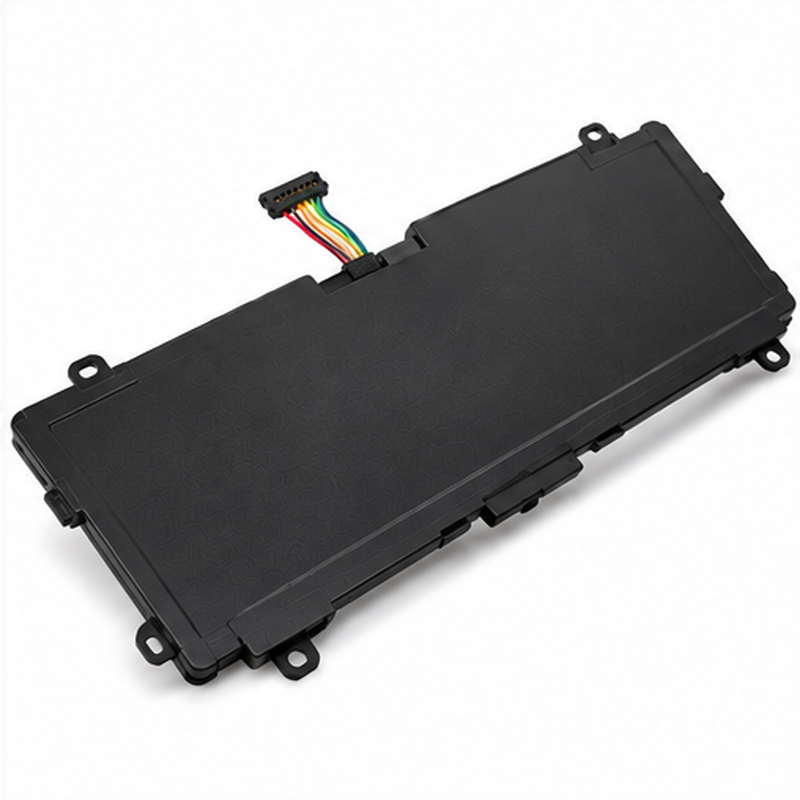 LenovoHP EliteBook BG06XL Replacement Laptop Battery – Folio 1040 G3123 comments
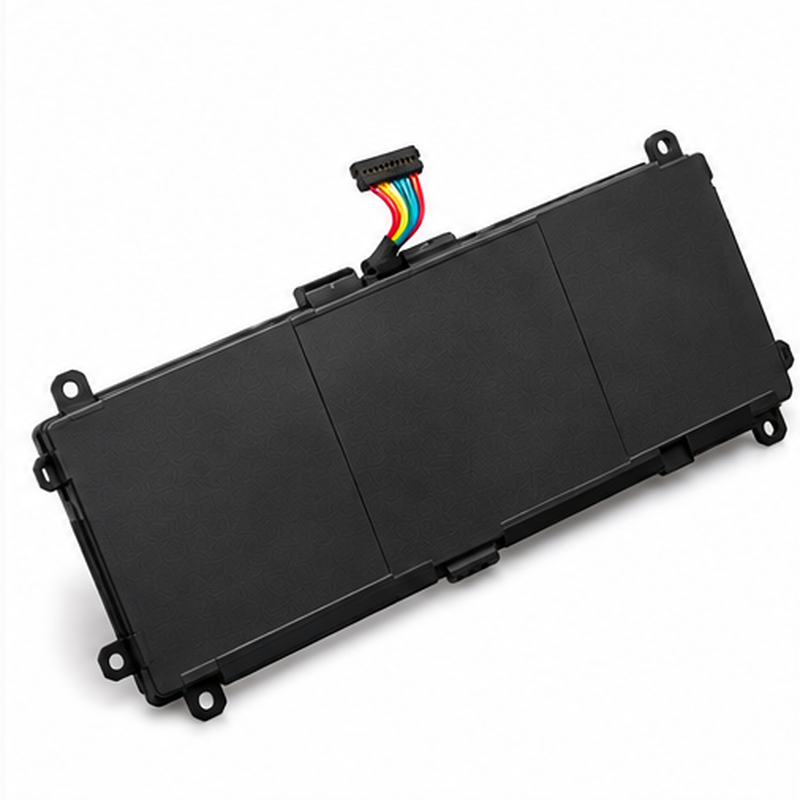 LenovoLenovo IdeaPad L18M3PF2 Original Laptop Battery – L340-15 / L340-17110 comments
 LenovoLenovo Yoga L16C4PB1 / L16L4PB1 / 5B10M52739 Original Replacement Laptop Battery120 comments
 LenovoLenovo ThinkPad L17M3P54 Original Laptop Battery – L480, L490, L580, L590, L14 and L15144 comments
 LenovoLenovo ThinkPad 57+ Replacement Laptop Battery – L440, L540, W540, T440p and T540p50 comments
 LenovoLenovo ThinkPad L14 Gen 1 Intel Core i5 – 8GB RAM, 128GB SSD50 comments
 HPHP RA04 Replacement Laptop Battery – ProBook 430 G1 / 430 G2151 comments
 HPHP HS04 / HS03 Original Laptop Battery – HP 250 G4, 240 G4123 comments
 HPHP EliteBook BG06XL Original Laptop Battery – Folio 1040 G3155 comments
 HPHp EliteBook CS03XL 840-G3 840-G4 Original Laptop Battery6 comments